
Building an osteopath website in 2026 is not about stacking up features: it comes down to settling three questions that decide whether the site brings you patients or quietly gathers dust in a corner of the web. Online booking, the GDPR rules on health data, and local visibility on Google. We build these sites day in, day out for self-employed healthcare professionals, osteopaths and physical therapists alike. Here is how we settle each question, without jargon and without selling you a dream.
Why has a website become essential for an osteopathy practice in 2026?
Because the first thing a patient in pain does is search “osteopath + their city” on their phone, compare the top results and the reviews, then book within the minute. Without a site, you depend entirely on directories and platforms that own that relationship, set the rules, and can take it back. Your own site means taking back control of that first contact.
Osteopathy is not reimbursed by France’s national health insurance: the patient chooses, compares, and decides alone. What tips the scales takes only a few seconds, your background, the conditions you treat, a reassuring review, an easy way to book. A Doctolib listing or a directory make you visible, but inside a template identical to every one of your peers, where nothing really sets you apart. Your site is the one place where you tell the story of your practice your own way, and the one digital asset that is truly yours.
What pages does an osteopath website need to turn visitors into patients?
An osteopath website that converts runs on seven useful pages, not thirty. The essentials: a home page that says who you are and how to book, a background page that builds trust, a treatment areas page written in patients’ words, complete practical information, a booking button visible everywhere, and the legal pages expected on a healthcare site. The rest is nice to have.
| Page | What it does |
|---|---|
| Home | Say in five seconds who you are, where you practice, and how to book |
| Your background | Degree, training, years in practice: what builds trust before the call |
| Treatment areas | What you treat (back, neck, infants, pregnancy, athletes), in patients’ words |
| Practical information | Address, access, parking, hours, rates, payment methods |
| Booking | A button visible on every page, on mobile above all |
| Contact and directions | Tap-to-call number, map, directions |
| Legal notice and privacy policy | Required, and expected on a healthcare site |
The rule behind all of it: every page has to move the visitor closer to booking. A beautiful site that leads nowhere is worth less than a plain page with a clear button. That is exactly the logic we apply on our page dedicated to osteopath website design.
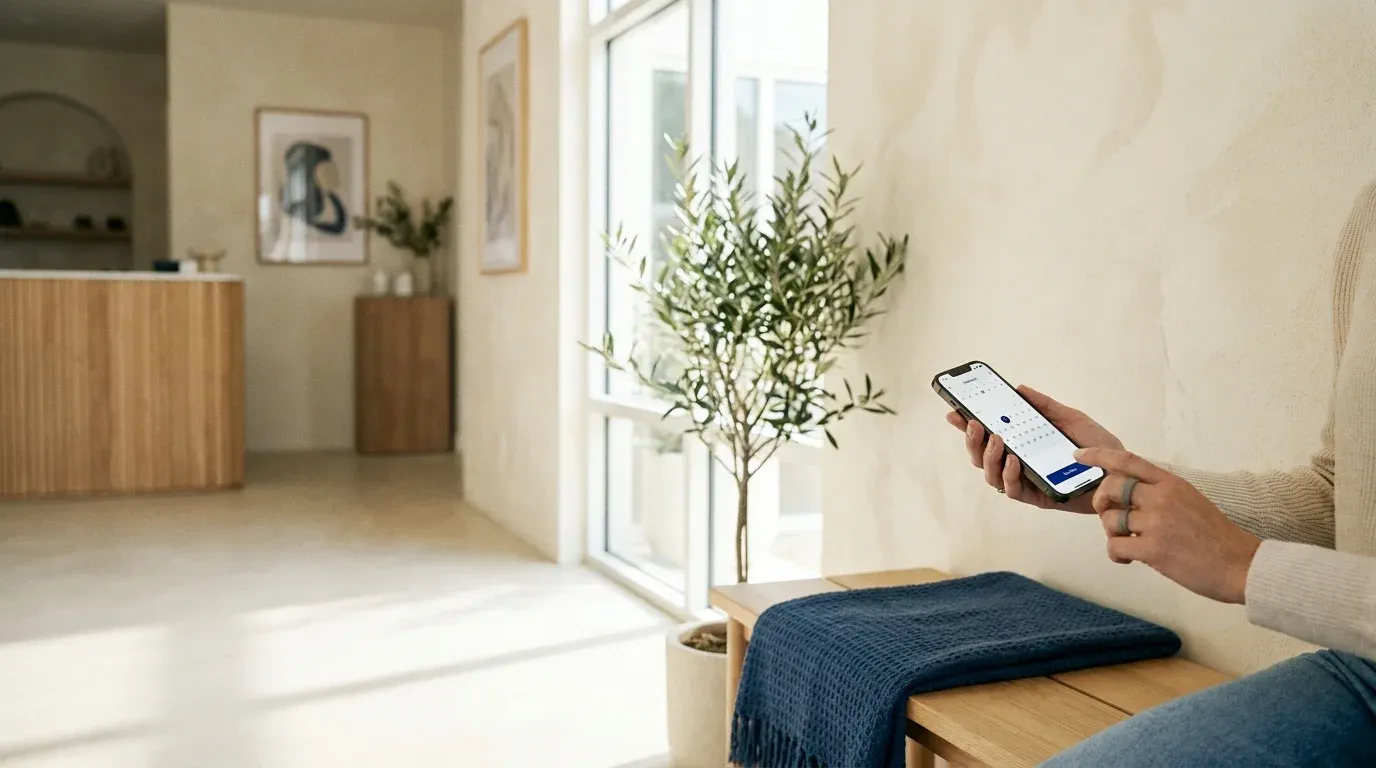
How do you set up online booking on an osteopath website: Doctolib, built-in module or independent solution?
There are three routes, and the real deciding factor is not price, it is who owns the patient data. Doctolib brings traffic but hosts your list and rents you your visibility. A booking module built into your site keeps the patient with you, often by leaning on a third party you need to keep in check. An independent solution, a calendar on your own domain, leaves you in full control.
| Solution | Traffic it brings | Who owns the patient data | Control and cost |
|---|---|---|---|
| Doctolib (platform) | High, the directory is very visible | The platform hosts the patient list | Monthly subscription, rented visibility, database hard to take with you |
| Built-in booking module (third-party widget) | Your site’s own | Depends on the tool, often the vendor, check the contract | Moderate cost, depends on a third party, needs GDPR guardrails |
| Independent solution (calendar on your domain) | Your site’s own | You | More autonomy, the data stays with you and your host |
Plenty of osteopaths run Doctolib for the traffic and a booking button on their site so as not to hang on a single channel. That is a defensible choice, as long as you know what each option means for your patient base the day you decide to leave. We dig into that ownership question in our article on who really owns your website.
What does the GDPR say about health data collected by an osteopath through their website?
Health data is “sensitive” data within the meaning of Article 9 of the GDPR. The CNIL sets the principle: “As a rule, processing health data is prohibited except in specific cases”. The good news is that osteopaths fall under an exception: the patient record kept for care purposes requires no filing with the CNIL, and not even the patient’s consent.
The CNIL is explicit: “You do not need to obtain patients’ consent to collect and store health data concerning them, insofar as collecting and storing it is necessary for medical diagnosis and for health or social care.” That exemption is one of the nine cases set out in Article 65 of France’s Data Protection Act for healthcare professionals. It covers the patient record, not just any use of the data.
Your site, on the other hand, should stay lean on data. The minimization principle requires information that is “adequate, relevant and limited to what is strictly necessary for the patient’s care”. In practice, a contact form or a booking module has no need for detailed medical history: a name, a way to get back in touch and a short reason are enough. The CNIL itself illustrates the line, “collecting information about a patient’s family life is in principle not appropriate”. The rest belongs in the consultation room, not on a web page.
Watch out for the embedded Doctolib widget and marketing pixels: these are third-party trackers, subject to prior consent. Your cookie banner has to let people “accept or refuse the storage and/or reading of cookies with the same degree of simplicity”, meaning a “Reject all” button as visible as “Accept all”. Only anonymous audience measurement can be exempt, under strict conditions, with capped lifetimes: 13 months for the tracker, 25 months for the data collected.
Beyond that, three obligations carry most of the load. Keep a record of processing activities, mandatory even as a sole practitioner. Inform your patients, which “can take the form of a poster in your waiting room”. Secure the data, with personal passwords and encryption as soon as the internet is involved. In solo practice you are not required to appoint a DPO, and since the GDPR there is no longer any filing to make with the CNIL, but you must be able to demonstrate your compliance at any moment.
Your vendors (host, booking tool) are processors: the CNIL asks you to “check this point and sign a contract” with them. Finally, patient data is not kept forever. As a benchmark, the CNIL cites the example of physicians, whom the national medical council advises to keep records for 20 years after the last consultation; that is not a rule specific to osteopaths, but the spirit applies to everyone. To go to the source, the CNIL lays all of this out for self-employed healthcare professionals and for the formalities tied to health data.

How can an osteopath improve their local visibility on Google (Google Business Profile, reviews, city SEO)?
Google ranks local results on three criteria, and it says so in black and white: “Local results are mainly based on relevance, distance, and popularity”. Relevance, proximity, reputation. Three levers follow: a complete and active Google Business Profile, recent patient reviews, and a clear site built for your city. The rest is detail.
The Google listing is free and underused. Filled in properly (address, hours, phone, treatment areas, photos), categorized precisely as “osteopath”, kept alive with genuine replies to reviews, it often does half the work. Reviews count twice over, they reassure the patient and they feed the ranking: Google confirms that “more reviews and positive ratings can help your business’s local ranking”. Five recent reviews beat thirty from 2021.
Be wary of anyone promising a “guaranteed number one spot on Google Maps”. Google could not be blunter: “There’s no way to request or pay for a better local ranking on Google.” Nobody sells a spot, you earn it through consistency and regularity.
Finally, your site has to anchor your city in genuinely useful content, not a page duplicated ten times over. That is what we do on pages like website design in Montpellier. To dig deeper, two in-house guides: local SEO in 2026 and the Google Business Profile step by step. The official source is Google’s local ranking criteria.
What budget should you plan for an osteopath website in 2026?
Expect anywhere from a few euros a month to several thousand euros depending on the format, and above all on what you own at the end. A rented template costs little but never becomes yours; a custom site takes a real budget but stays an asset. The smart move is not to compare entry prices, but the true cost over three years, ownership included.
| Format | Ballpark range | What you get |
|---|---|---|
| Rented template (site builder) | 5 to 30 € / month | You rent for as long as you pay; leaving is messy |
| Freelancer | 800 to 2,500 € | Varies with the person, follow-up often limited |
| Studio or agency | 1,500 to 5,000 € | Custom work, support, to be pinned down in the quote |
At Inleven, we chose a model you can read at a glance rather than a teaser price. The first year, the project year, is paid in 12 installments (49, 89 or 169 € per month depending on scope) or in one go with a discount. After that, 180 € per year covers everything: hosting, security, backups, support and two rounds of edits. The site, the domain and the content belong to you, with full portability. The details are on our pricing and packages page, and we break down the real cost of a site over time in our article on what a website costs in 2026.

Should you show your consultation rates on your osteopath website?
Yes, without hesitation. Since osteopathy is not reimbursed, price is one of the very first questions a patient has, and hiding it creates a doubt that sends people elsewhere. Clearly showing the price of a session, any specific rates (infants, pregnancy, athletes) and the payment methods you accept removes a major obstacle before the first contact even happens. Transparency reassures, it does not scare people off.
A published rate also works for your ranking: “osteopath rates + city” is a frequent search, and answering it clearly puts you in the running. It is the same logic behind our openly published rates: we do not hide the price, we explain it. A patient who knows the price before calling is a patient already half decided.
How do you know whether your site is actually bringing in new patients?
By measuring contacts, not visits. An osteopath website is not judged on visitor counts but on appointments booked and calls received. Three tools are enough: an audience tracker (Google Analytics, for instance), Search Console to see which searches you show up for, and the simplest question in the world, asked at the practice, “how did you hear about us?”.
In practice, you tag the actions that matter: click on the booking button, click on the phone number, form submitted. A thousand visitors and not one appointment is worth nothing; thirty visitors from your city, five of whom book, is a site that works. That demand for proof is what drives our method: we do not guess, we measure.
A successful osteopath website, then, is not just a pretty template. It settles the booking question clearly, respects the GDPR on health data without paranoia, and works your local visibility city by city. It is a craft, and it has been ours, at human scale, with a real person to talk to rather than an anonymous template. If you practice osteopathy, our osteopath website design page lays out our approach; the same logic applies to physical therapists. To talk it through, write to us, a real person will answer.